 |
This article or section needs to be cleaned up to a higher standard of quality.
|
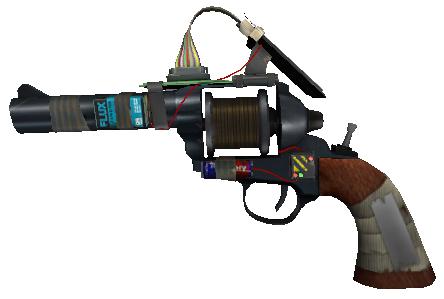
| Camera Tool | |
| |
| Type |
Camera Placing Tool |
Overview
The Camera Tool is a tool that allows the user to spawn cameras and view the world from their point of view by pressing a designated key.
This is useful for creating a simple security system on role-playing servers.
Use
The Camera tool has many uses, which include:
- Taking screenshots.
- Advanced movie making.
- Creating basic security systems.
Selection
Press and hold the menu key (Q by default), then in the tool menu of "RENDER," select "Camera."
Usage
- Primary fire, (MOUSE1 by default), spawns a camera.
- Secondary fire, (MOUSE2 by default), spawns a camera that faces you or whatever you were aiming at when placing the camera.
- In the context menu you can choose if the camera will be static or will have physics effects.
- It can create windows so you can use many cameras at the same time.
Seeing through the camera: Press the key that you assigned to the placed camera. In the spawn menu, there should be a box saying "Toggle". Click that box, press a key, place the camera, then, press the assigned key and you can see through your camera.
Context Menu
To open it, hold and press the context key (C by default). The context menu allows its user to:
- Hide/Display HUDs.
- Choose a key in the keypad that activates/deactivates a camera.
- Make the camera static or not.
Trivia
- Through Free-Cam exploits, it is revealed that the model used for the camera in Garry's Mod, is the same camera used in the Half-Life series for scenes in which the character G-Man talks to series protagonist Gordon Freeman and/or the player.
| ||||||||||||||