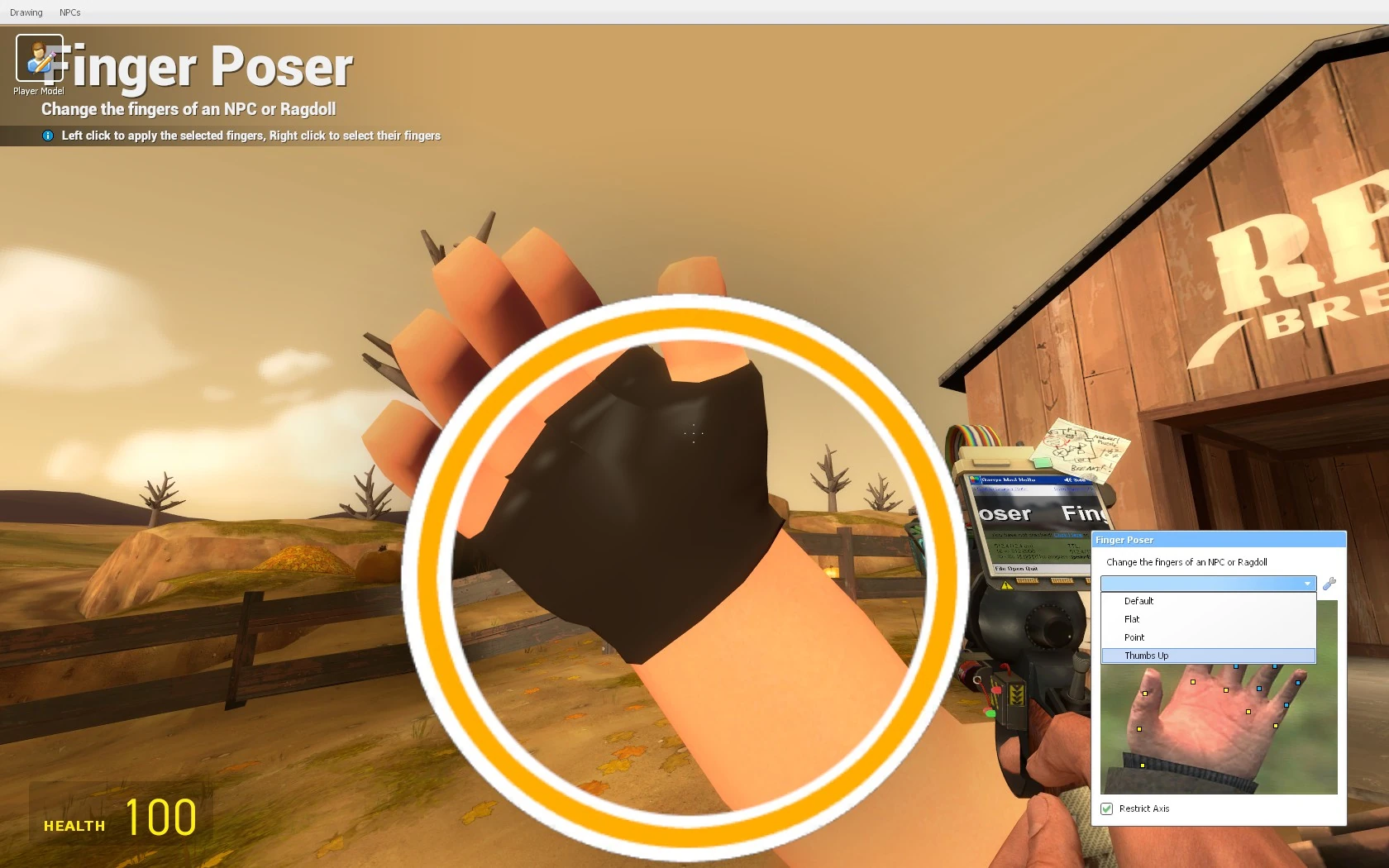

The finger poser is an extension of the Tool Gun that allows you to select and modify the positioning of fingers of a Ragdoll. It can be found by going into the Q menu and going under posing.
Abilities
Pressing right click selects the hand of whatever ragdoll its pointed at and pressing Q or C opens up the finger posing menu and allows you to change the position of all of the parts of the finger. Pressing left click on a different ragdoll after modifying another ragdolls fingers will apply the settings of the first ragdolls fingers.
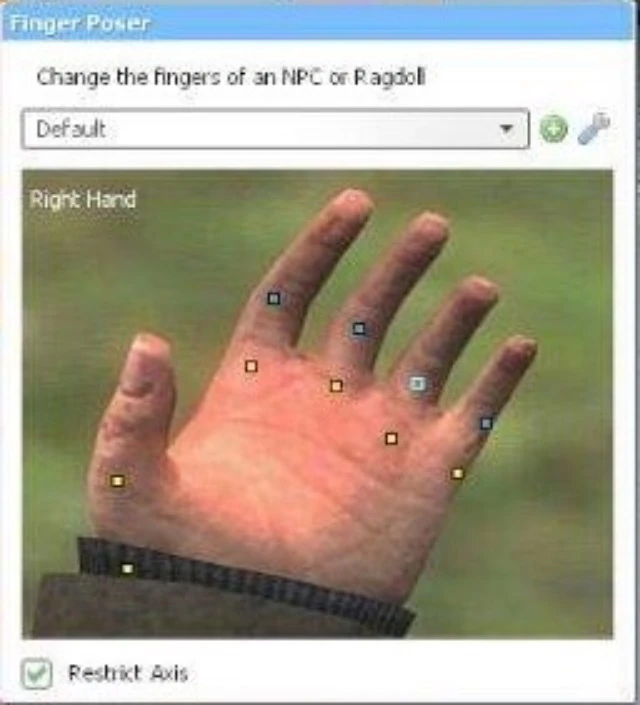

A close-up of the finger poser menu (when holding C)
The finger poser's menu allows you to manipulate the joints in a ragdoll's hand by dragging yellow and blue squares. These squares represent joins in the fingers of the ragdoll. Different ragdolls may lack the inclusion of all five fingers, but still allow for finger posing. by dragging the yellow squares, you can change the yaw of the finger, and with the blue squares, you can change the pitch (bend) of the fingers.
You can also save posed presets like the face poser. Once you have posed a ragdoll's fingers, you can click the green encircled plus button to create a preset which appears in a dropdown menu. A few finger presets are already present within the game before the player adds their own. These include thumbs up and pointing poses.